2026-11-09
Lit IPTV Is Now on the Amazon Appstore for Fire TV and Firestick
Lit IPTV is now in the Amazon Appstore. Install it on your Firestick or Fire TV in one click, sign in with a code and stream your own M3U or Xtream playlist. Updates install on their own.
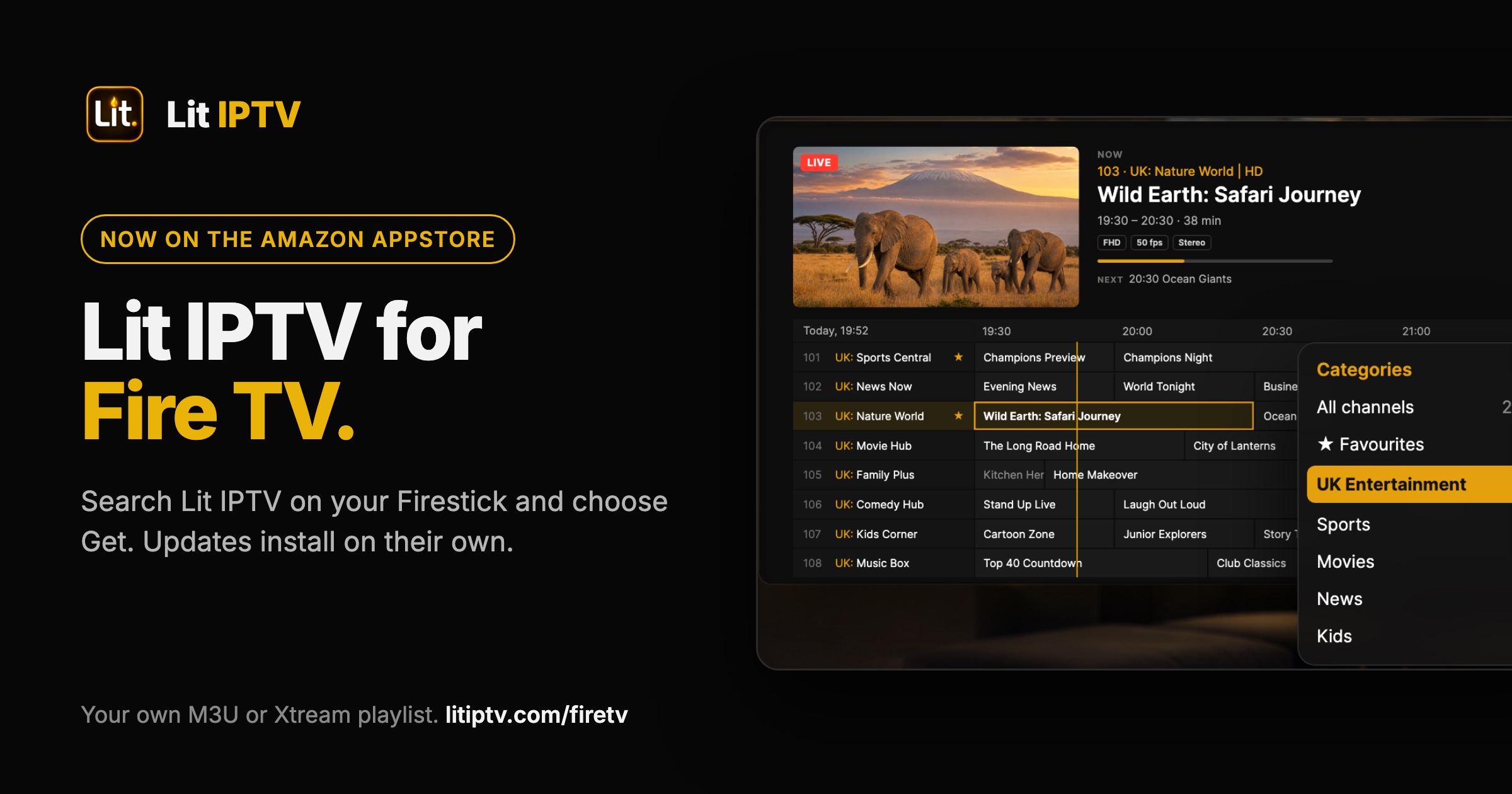
Lit IPTV is now in the Amazon Appstore. If you watch on a Firestick, Fire TV Cube or a Fire TV smart TV, you can install it like any other app: no Developer Options, no Downloader, and updates arrive on their own.
Until now, the only way onto a Fire TV was to sideload it with the Downloader app. That still works, but most people simply want to search, press Get and start watching. Now they can.
How to install Lit IPTV on Fire TV
- On the Fire TV home screen, open Find (the magnifying glass).
- Search for Lit IPTV and open it.
- Choose Get or Download. It installs in seconds.
- Open Lit IPTV and choose Sign in with a code. Go to litiptv.com/activate on your phone, sign in and enter the code shown on the TV.
- Add your M3U playlist or Xtream Codes login, and you are watching.
You can also open the Lit IPTV listing on Amazon from your phone or computer and send it to your Fire TV.
What you get on Fire TV
- A proper TV guide with a live preview, and catch-up when your provider supports it.
- Multiple servers in one library. Search, favourites and Continue Watching span all of them.
- Multiview (Pro): watch several live channels at once and pick the one you hear.
- Scheduled recordings that run even when the app is closed.
- Films and series with posters, cast, ratings and descriptions, laid out for the remote.
- Hide whole country groups in one press, so your list only shows what you watch.
- Live streams reconnect on their own if they stall.
Pro on Fire TV
Lit IPTV is free to install, with full playback. Pro is optional. In the Amazon Appstore version you can buy Pro inside the app with your Amazon account. If you already have Pro on iPhone, iPad, Mac or Android, sign in with the same Lit IPTV account and it unlocks on your Fire TV too. There is no device limit.
Already installed Lit IPTV with Downloader?
You do not need to do anything. Your version keeps working, and the app still tells you when an update is ready.
If you would rather get updates from Amazon, uninstall the Downloader version first (Fire TV will not install one version over the other), then install Lit IPTV from the Amazon Appstore and sign in. Your playlists, favourites and Pro come back with your account.
Not seeing it in your Appstore?
The listing may not be offered in your country yet, or your device may not be supported by it. The Downloader route still installs the same player: open Downloader and enter the code 9588685. The full steps are on our Fire TV page.
A player, not a channel provider
Lit IPTV does not sell or include any channels, films or series. You bring the M3U playlist or Xtream Codes login from the provider you already use, and Lit IPTV plays it.
More guides
TiviMate Alternative for Apple TV: Lit IPTV on tvOS (2026)
TiviMate does not run on Apple TV. Here is the native tvOS alternative with a TiviMate-style guide, catch-up, posters and cloud sync, and how to set it up in minutes.
Best TiviMate Alternative for iPhone and Android in 2026
TiviMate is Android TV only. Looking for a TiviMate alternative that works on iPhone, Android, and Firestick? Here are the best options including Lit IPTV.
IPTV Smarters Pro Alternative: Why Users Are Switching in 2026
IPTV Smarters Pro has been the default for years, but better alternatives now exist. Compare features, UI, and performance with modern IPTV players.
How to Watch IPTV on iPhone: Complete Setup Guide 2026
Step-by-step guide to watching IPTV on your iPhone or iPad. Learn how to add M3U playlists, Xtream Codes, and set up EPG on iOS.