Amazon Fire TV & Firestick
Lit IPTV on your Firestick. Ready in two minutes.
The premium IPTV player built for the big screen. Sideload it with the free Downloader app, sign in with a code from your phone (no on-screen typing), and stream your own M3U or Xtream Codes playlist in a fast, remote-friendly interface.
DOWNLOADER CODE
9588685
Open the Downloader app on your Firestick, enter this code, and install.
Or download the APK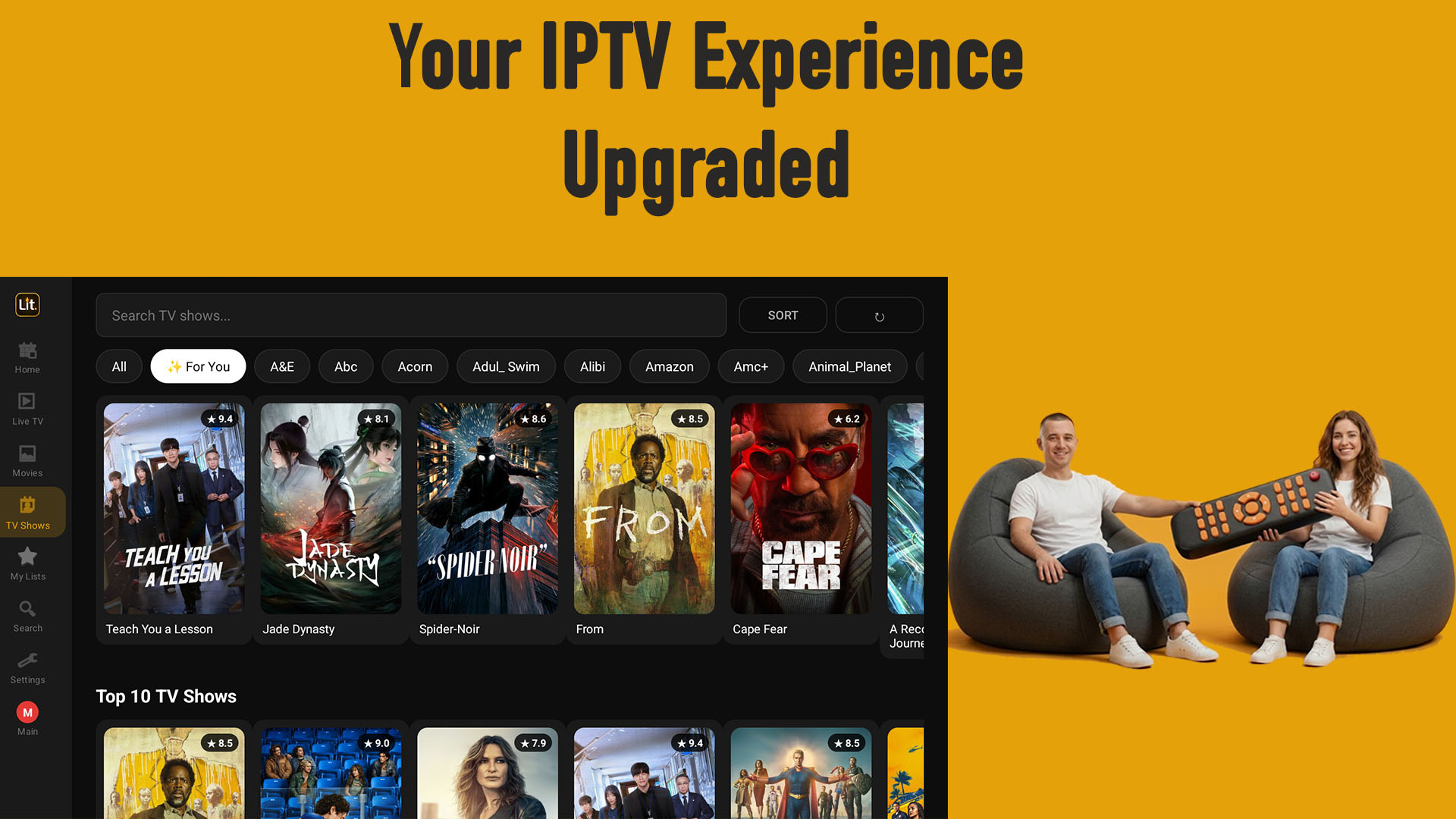
Why Lit IPTV on Fire TV
Built for the remote, not the mouse.
Three subscriptions at once
Add up to three providers and browse them as one library. Search, favourites and Continue Watching span every server, and each title shows which one it came from.
Sign in with a code
No painful on-screen keyboard. Your TV shows a code, you approve it on your phone, and it signs in instantly.
Works with your subscription
Already subscribed on iPhone or Android? Your Pro unlocks on Firestick automatically with the same account.
Fast leanback interface
Full D-pad navigation, big posters, live TV, movies, series, and a real EPG guide, tuned for the couch.
Your playlist, your content
Bring your own M3U, M3U8, or Xtream Codes login. Lit IPTV is a player only and includes no channels.
Install Guide
Install on Firestick. No computer needed.
Amazon Firestick has no Google Play, so you sideload with the free Downloader app. The whole thing takes about two minutes.
Allow app installs
Go to Settings, My Fire TV, Developer Options and turn on Install unknown apps for Downloader. If Developer Options is hidden, open Settings, My Fire TV, About and click your device name seven times to unlock it.
Install the Downloader app
From the Firestick home screen, search for Downloader by AFTVnews and install it. It is free.
Enter the code
Open Downloader and enter this code:
Prefer to type a URL? Enter litiptv.com/litiptv.apk instead. The APK downloads automatically. When prompted, choose Install.
Sign in with a code
Open Lit IPTV and choose Sign in with a code. Your TV shows a short code and a QR. On your phone, go to litiptv.com/activate, sign in, and enter the code. Your Firestick signs in on its own, and any Pro subscription from your phone unlocks automatically.
Add your playlist and watch
Enter your M3U playlist or Xtream Codes login and start streaming. Live TV, movies, series, EPG, and favourites, all controlled with your remote.
Firestick FAQ
Common questions
Does Lit IPTV work on Firestick and Fire TV?
Yes. It runs on Fire TV Stick, Fire TV Cube, and Fire TV smart TVs. Sideload it with the Downloader code above, no Google account required.
Is Lit IPTV free?
The app is free to install with full playback. Pro features are optional. If you already subscribed on your iPhone or Android phone, your Pro works on Firestick with the same account.
Do I need a computer?
No. Everything installs directly on the Firestick through the Downloader app in about two minutes.
How do I sign in without typing on my TV?
Choose Sign in with a code. Your TV shows a code, you approve it on your phone at litiptv.com/activate, and the TV signs in automatically.
Does Lit IPTV include channels?
No. Lit IPTV is a media player only. You bring your own M3U, M3U8, or Xtream Codes playlist from a provider you already use.
How do I update the app on Firestick?
When a new version is available, the app shows a notice. Reopen Downloader, enter the same code, and install over the top to update.