

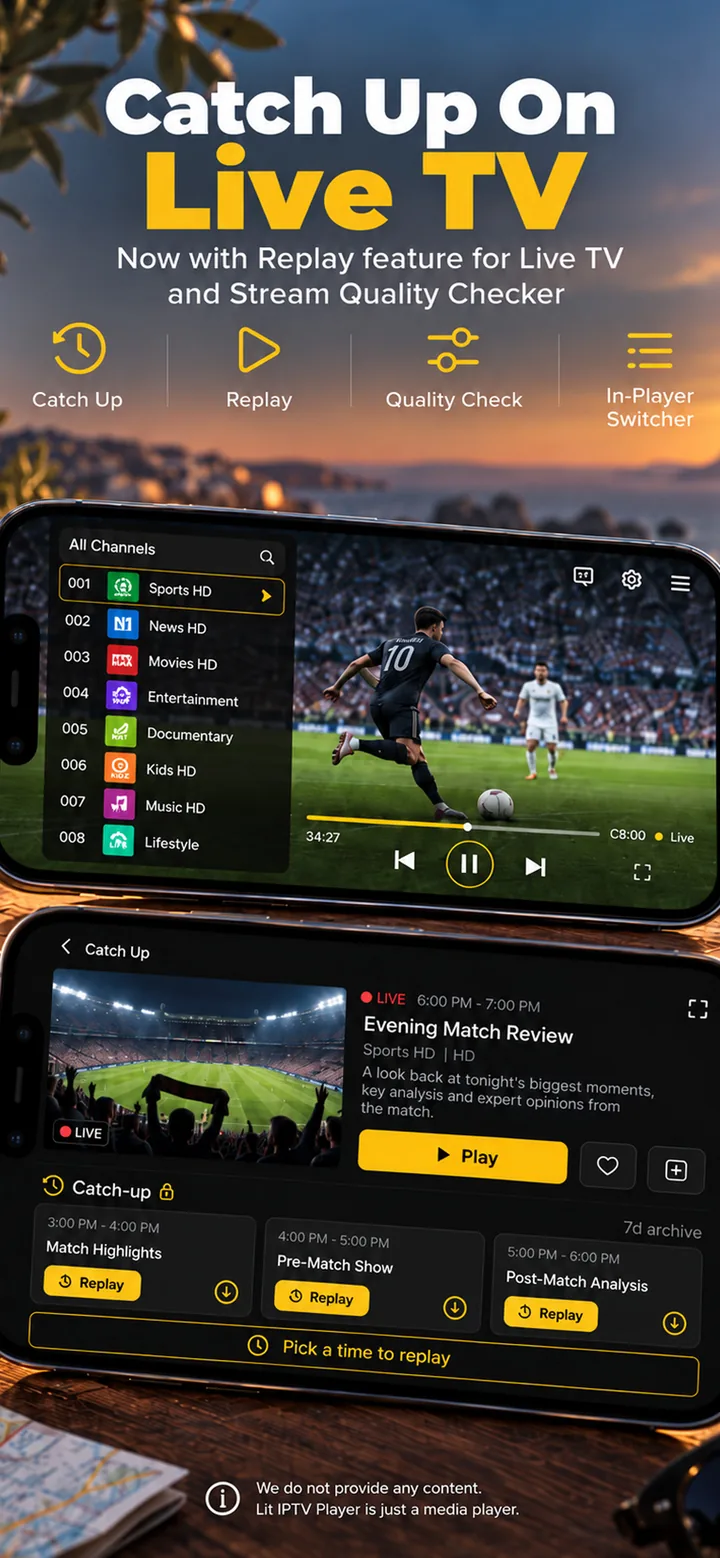
Schedule recordings
Hold OK on a channel or an upcoming programme, pick the start time and length, and it records even with the app closed.
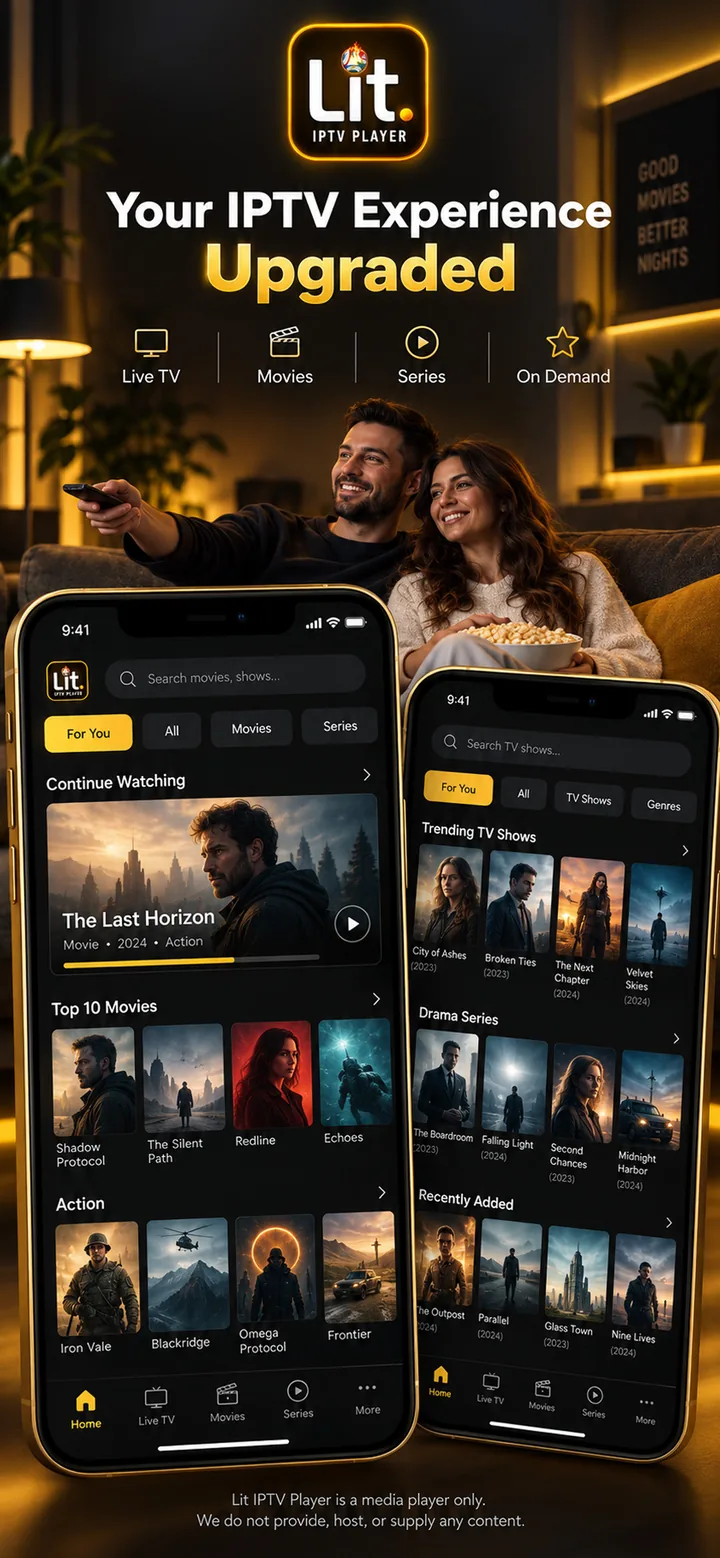
Bring live TV, films and series together in a player designed for every screen you own.
iPhone · iPad · Mac · Apple TV · Android · Android TV · Google TV · Fire TV
A focused touch experience on mobile, a spacious desktop library and true remote navigation on TV.
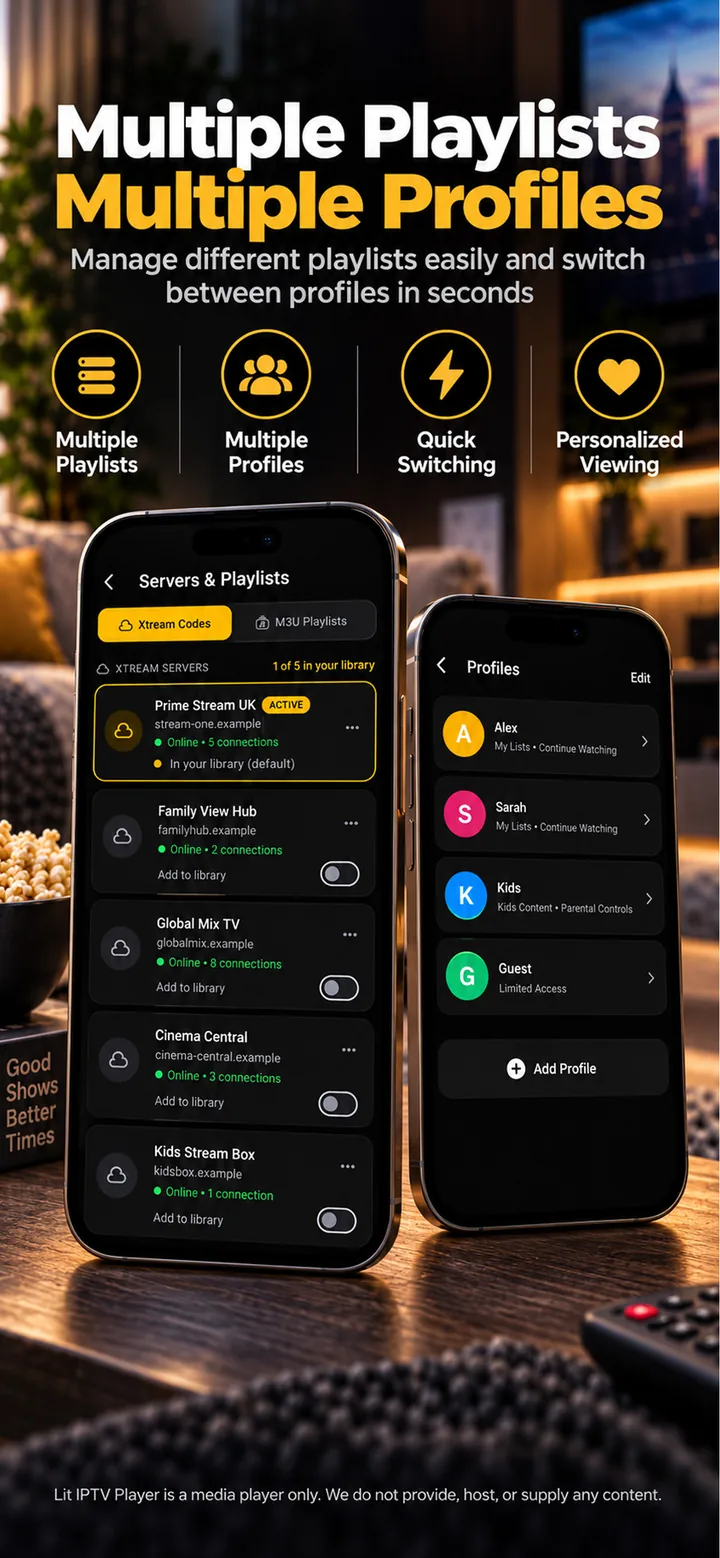
Add M3U links or Xtream Codes logins. Lit IPTV brings them into one calm library while keeping each playlist easy to manage.
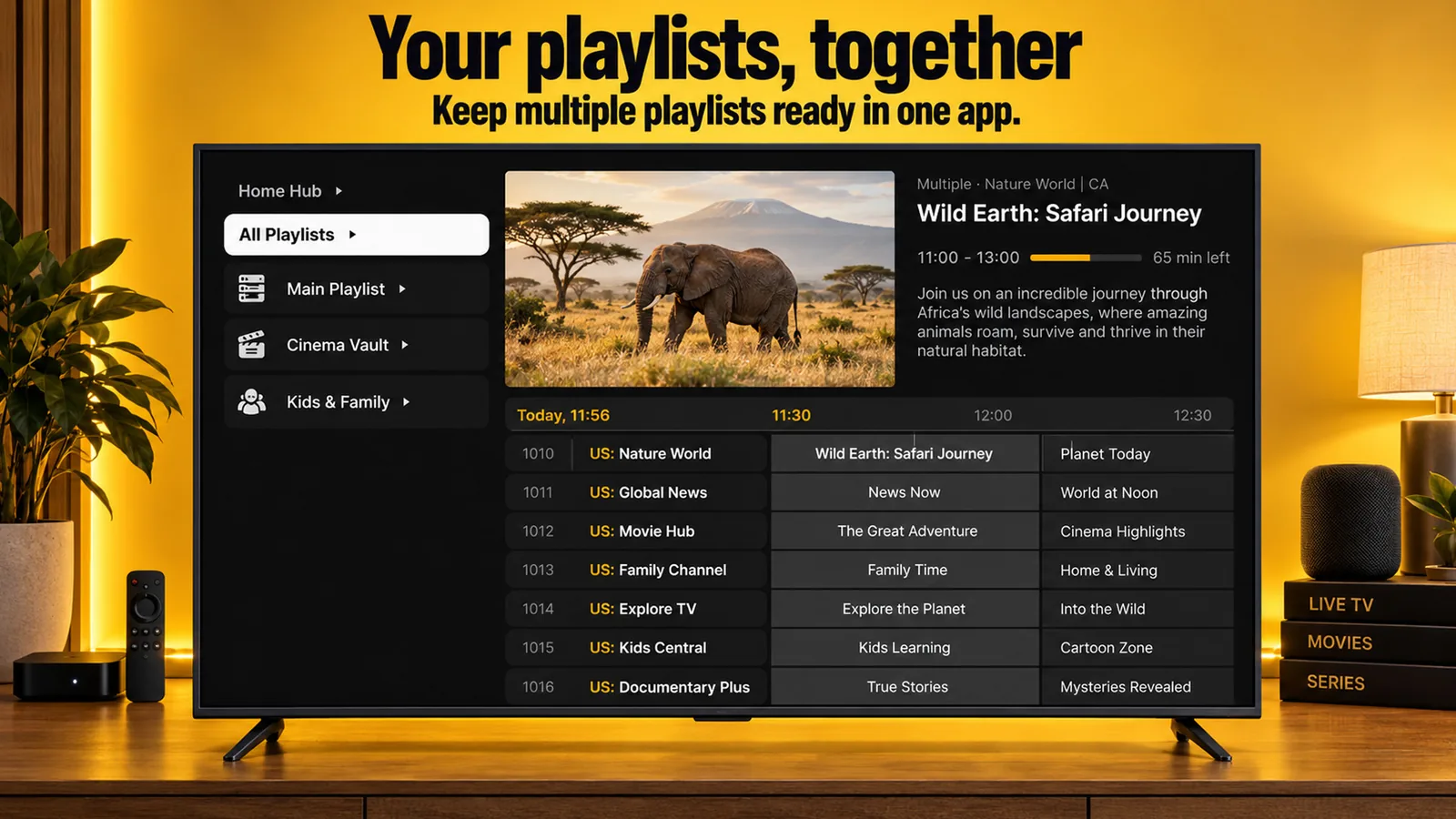
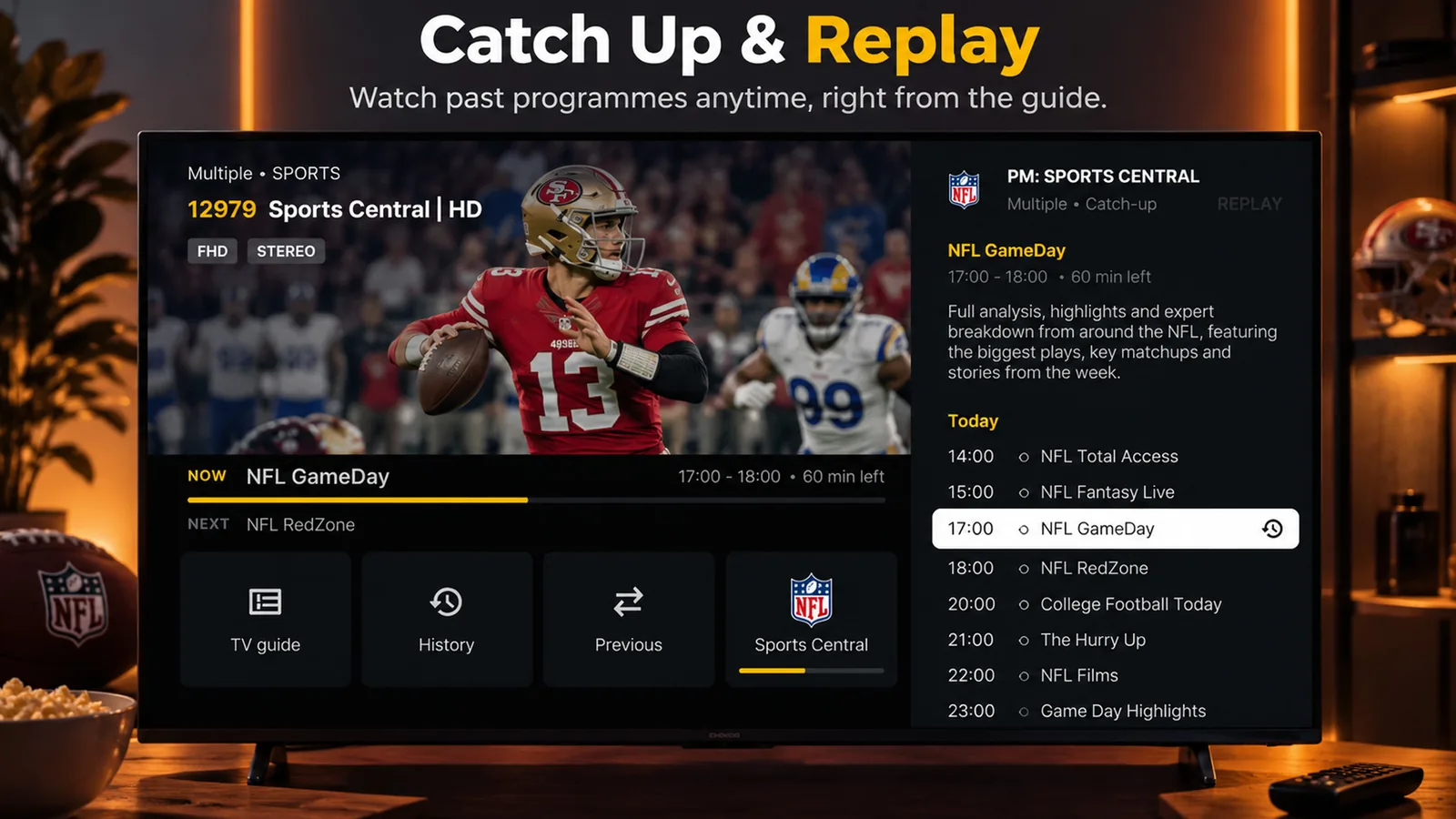
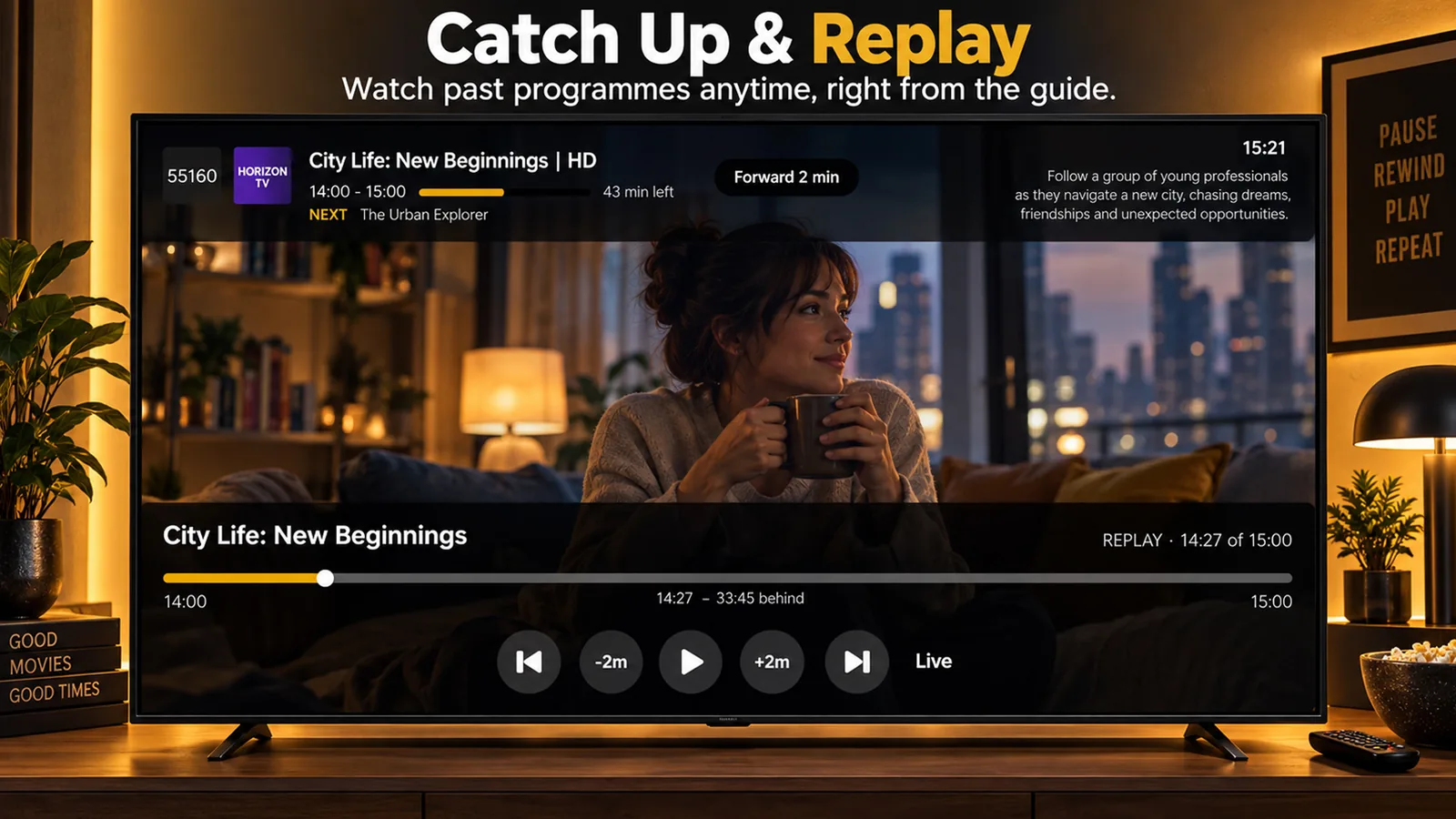
Move through a clear programme guide, see what is playing now and open catch-up where your provider supports it.
The latest big-screen update adds scheduled recording, a start screen you choose and faster ways to tidy a large playlist.
Hold OK on a channel or an upcoming programme, pick the start time and length, and it records even with the app closed.
Open straight on Live TV, your Favourites or any group. Set it with a long press on the group, or in Settings.
Hide every group that shares a country tag or any text you type, with a live count before you confirm. Reorder what is left.
When a live channel stalls, the player notices and reconnects by itself, so you are not left looking at a still picture.
Set the size, colour, outline and position once and it applies in every player.
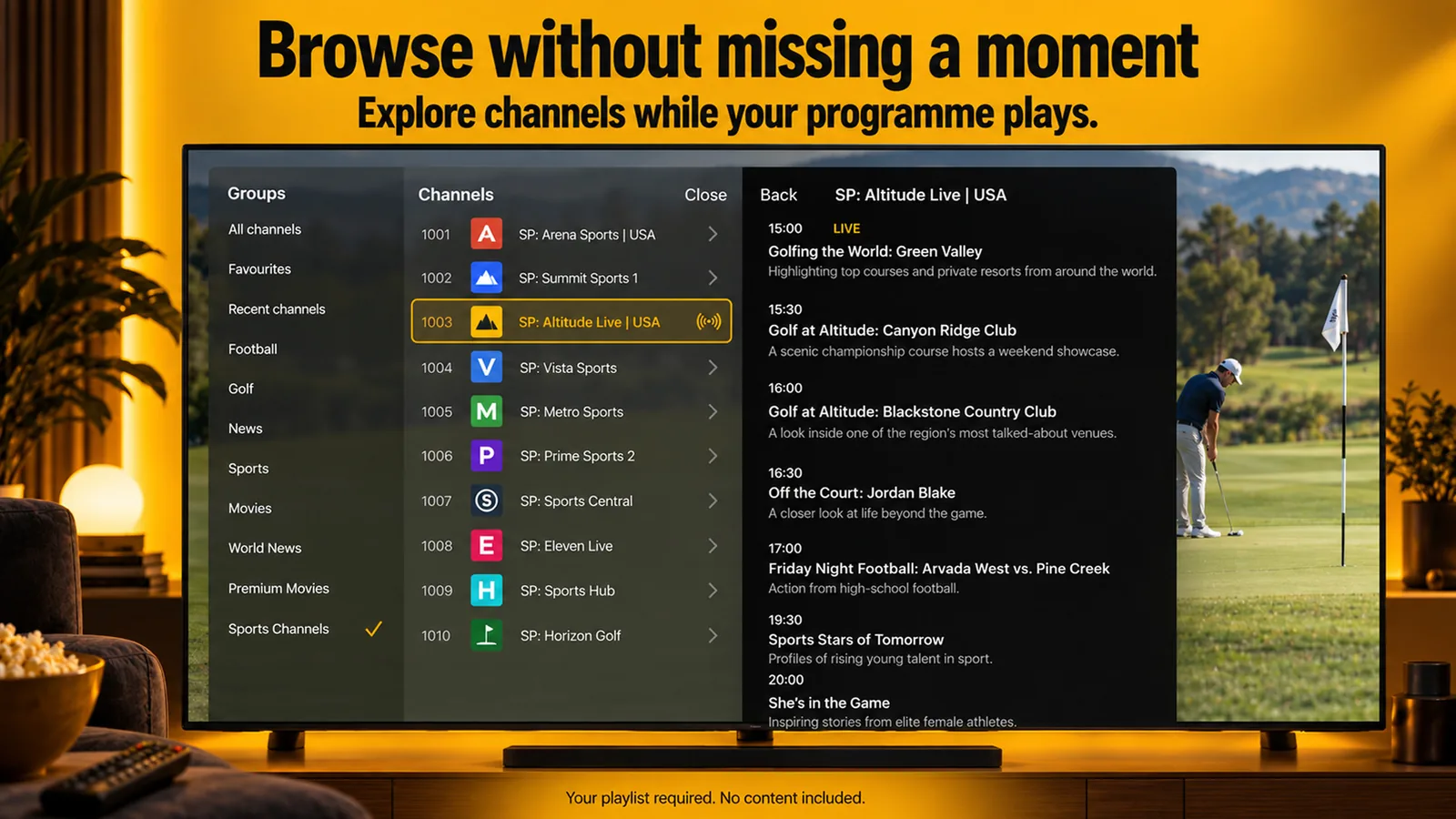
Item counts beside every group, the server name on each favourite, and long channel names that scroll when highlighted.
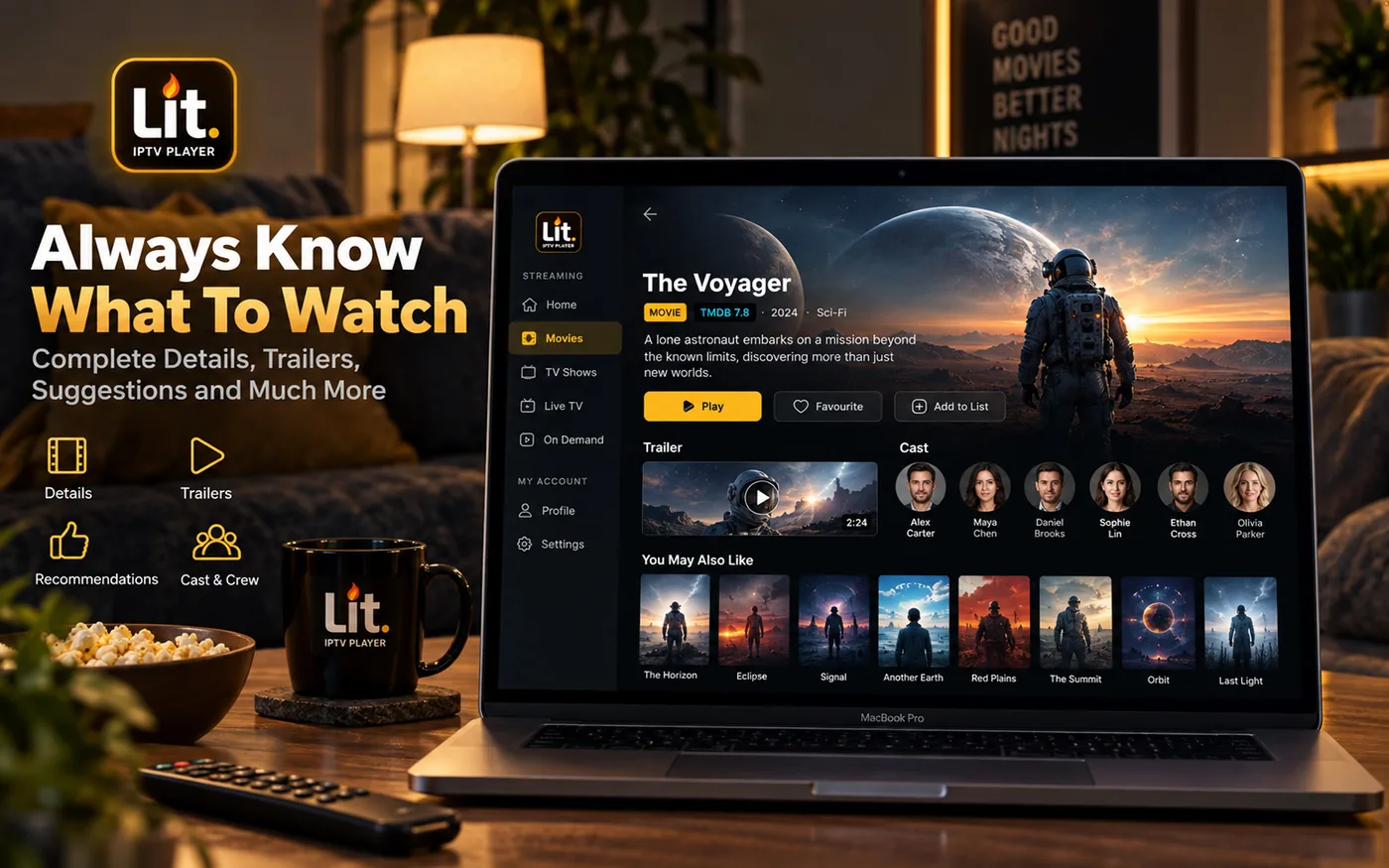
Full desktop experience with sidebar navigation, keyboard shortcuts, and a layout designed for larger screens. Same account, same features.
Use the arrows, swipe, or press the left and right arrow keys.
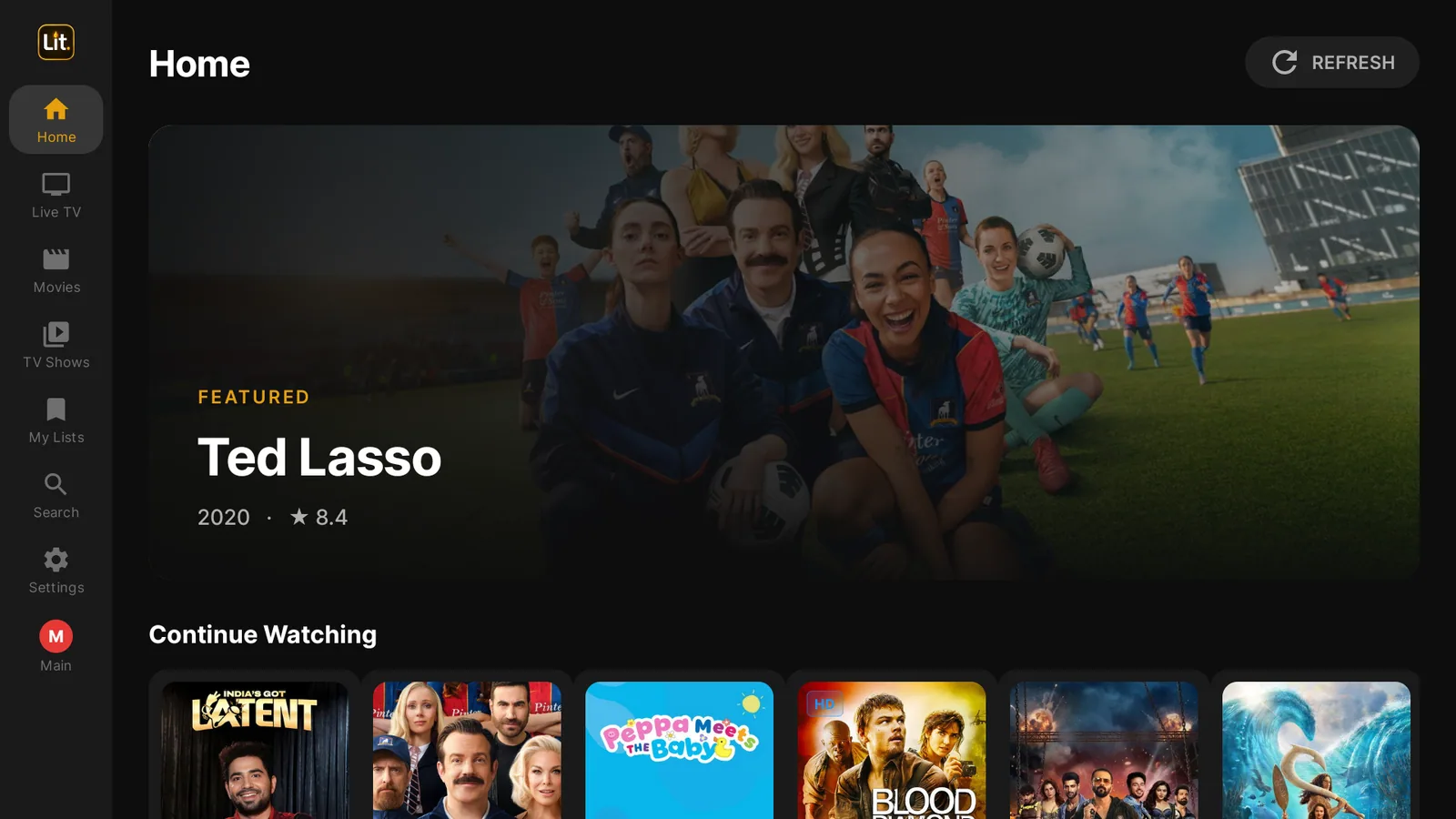
No AirPlay, no extra stick. Install Lit IPTV from the App Store on your Apple TV, sign in with a code from your phone, and your playlist gets a real programme guide, catch-up and posters on the big screen.
Lit IPTV is a player. Bring the details from your IPTV provider and start watching.
Choose the App Store, Google Play or the Fire TV install guide.
Use an M3U link or your Xtream Codes login.
Choose favourites, organise lists and continue on any signed-in device.
Lit IPTV is free to download with full playback support. Unlock Pro features by subscribing directly in the app, available on the App Store and Google Play.
Start streaming instantly. No account required.
Full Pro access. Cancel anytime.
Save 44% vs monthly.
Pay once, Pro forever. No subscriptions.
Prices shown are in US dollars. Your local price is set by the App Store or Google Play and is shown in the app before you buy, so it may differ from the figures above. Your subscription syncs across all devices automatically. Cancel anytime from your device's subscription settings.
Download Lit IPTV on your phone, tablet, Mac, TV, or streaming stick. One account works everywhere.
Download from the App Store. Supports iOS 16+.
App Store ↗Download from the Mac App Store. Supports macOS 13+.
Mac App Store ↗Native tvOS app from the App Store. Supports tvOS 17+.
App Store ↗Download from Google Play. Supports Android 7+.
Google Play ↗Sideload the APK in under 2 minutes. Full remote support.
Install guide ↓Amazon Firestick doesn't have Google Play, but you can easily sideload Lit IPTV using the Downloader app. Takes about 2 minutes.
Go to Settings, then My Fire TV, then Developer Options, and turn on Install unknown apps. If you don't see Developer Options, go to Settings, My Fire TV, About, and click your device name 7 times to unlock it.
Open the Amazon Appstore on your Firestick and search for Downloader by AFTVnews. Install it, it's free.
Open the Downloader app and enter this code:
9588685Prefer to type a URL? Enter litiptv.com/litiptv.apk instead. The APK downloads automatically. When prompted, tap Install.
Or download directly on your computer and sideload:
Download APKOnce installed, open Lit IPTV from your Apps list. Add your M3U playlist or Xtream Codes credentials and start watching. Full remote control navigation is supported.
To unlock Pro features on Firestick, subscribe through the Lit IPTV app on your iPhone or Android phone using the same account. Your subscription syncs across all devices automatically, including Firestick.
A media player that streams live TV from your IPTV service. You add your playlist, the player handles the rest. Lit IPTV does not provide TV content.
Yes. The free tier includes full playback, M3U and Xtream Codes support, favorites, and basic EPG. Pro adds recording, multi-screen, and removes ads.
Download Lit IPTV from the App Store or Google Play and subscribe directly in the app. Your subscription syncs across all your devices automatically, including Firestick.
Yes. Sideload the APK using the Downloader app, it takes about 2 minutes. Full remote control navigation is supported. See our install guide above.
Absolutely. All subscriptions can be canceled anytime from your device's subscription settings (App Store or Google Play). No contracts, no questions asked.
Cancel your current subscription from your device's settings, then resubscribe to the new plan in the app. You'll keep Pro access until the end of your current billing period.
TiviMate does not run on Apple TV. Here is the native tvOS alternative with a TiviMate-style guide, catch-up, posters and cloud sync, and how to set it up in minutes.
2026-03-15TiviMate is Android TV only. Looking for a TiviMate alternative that works on iPhone, Android, and Firestick? Here are the best options including Lit IPTV.
2026-03-16IPTV Smarters Pro has been the default for years, but better alternatives now exist. Compare features, UI, and performance with modern IPTV players.
2026-03-17Step-by-step guide to watching IPTV on your iPhone or iPad. Learn how to add M3U playlists, Xtream Codes, and set up EPG on iOS.
Add your playlist in under 60 seconds. Works with any IPTV service. Now on Apple TV too.